YouTube and streaming templates

Channel intros, end screens laid out for YouTube's elements, and calm loops for the minutes before a stream starts.

Fill in your channel name, handles and message. Everything else, like another scene or your own colours, is one message away in the editor.

16:9 · 22s

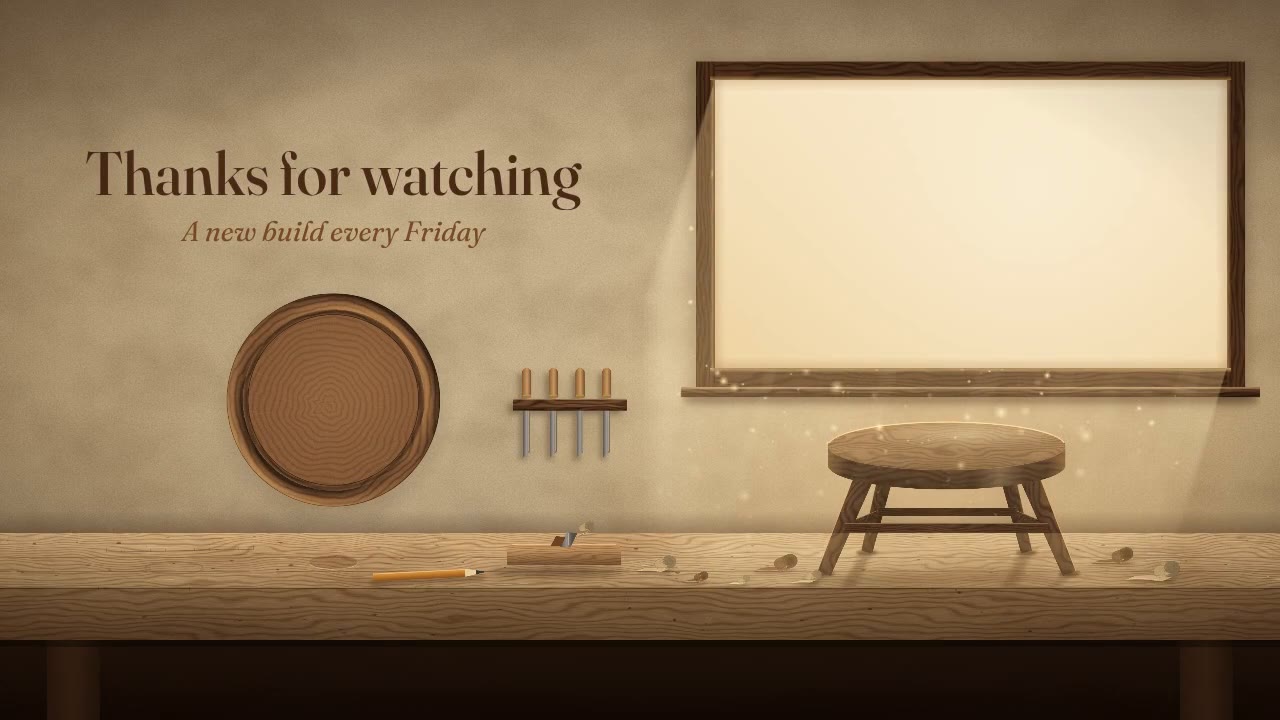
Workshop end screen

A 22-second end screen that steps back from the workbench and leaves the window and the round free for YouTube's video and subscribe tiles.

16:9 · 6s

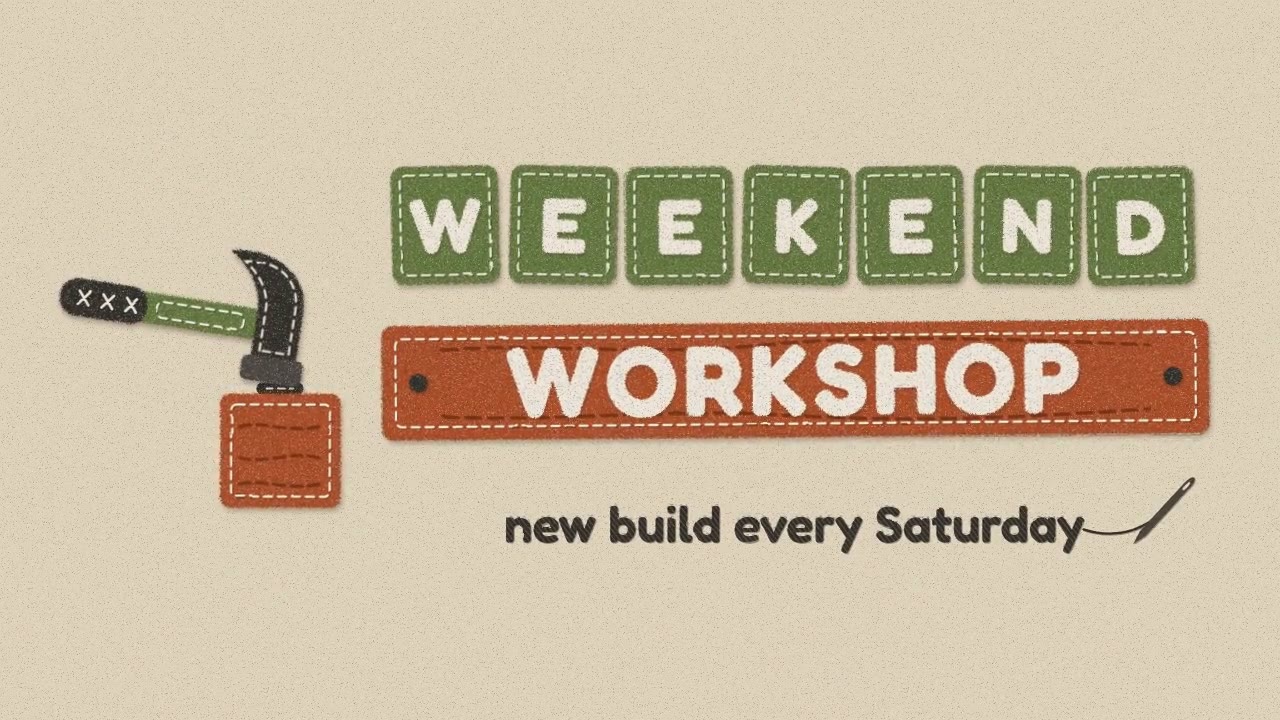
Felt channel intro

A felt hammer taps three times, letter tiles pop up, and your channel name lands on a stitched plank. Six seconds.

How templates work

  1. 01

    Pick a video you like

    Each one was made by FrameCall's Quality model from one prompt, and comes with that prompt.

  2. 02

    Say what yours is for

    A business, an event, a song, a launch. One sentence is enough.

  3. 03

    Get yours in that design

    FrameCall remakes it for your idea in the editor. Change anything after, by chat.
FAQ

Do I need After Effects to use these youtube and streaming templates?

No. Every template runs in your browser: change the fields, watch the preview update, and download an MP4. There is nothing to install and no plugin to buy.

Can I change more than the fields?

Yes. Use the template, then describe the change in plain words, such as a new scene, other wording or a different style, and FrameCall edits the video for you. Simple changes run on the Fast tier, which costs a few credits.

Is the download free?

Yes. You can download the template with your text and colours without an account. Free downloads carry a small framecall.com mark; any credit purchase removes it from your exports.