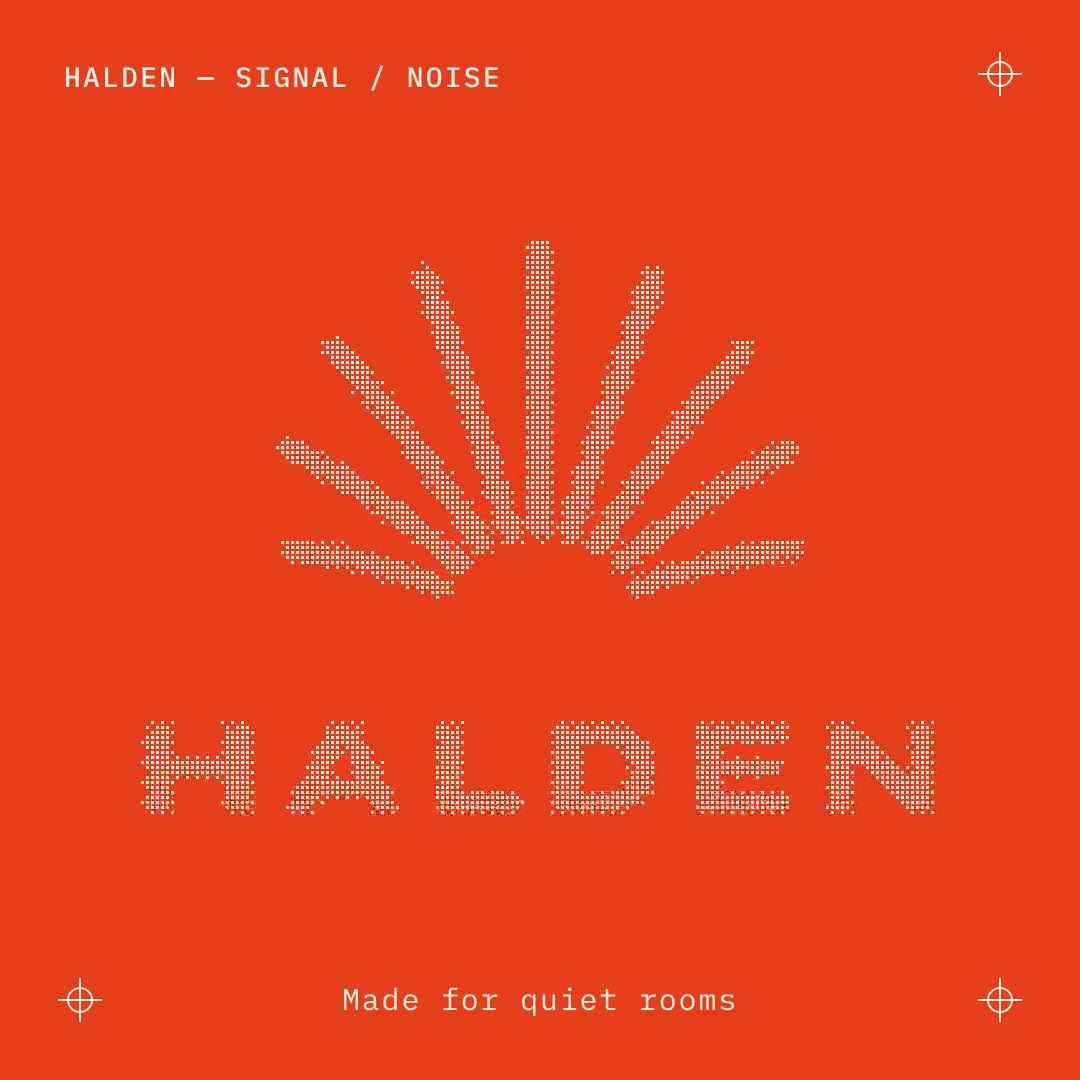
One-shape UI morph
One shape never cuts: a button becomes a keypad, a picker, a budget ring, a chart and a toast, then a button again.
How it was made
FrameCall's Quality model made this video from one prompt, in one run, with no hand edits. The prompt, word for word:
A 14-second square seamless loop for Tidy, a budgeting app. One shape, never cut: a white pill button labelled "Add expense" on a pale sand background morphs into each state of the app in turn, changing its size, corner radius and colour while its content swaps with a short blur: a number pad typing "$18.40", a category picker landing on "Coffee", a ring filling to 64% of the month's budget, a small bar chart of the week drawing itself, a green toast "Saved. You're on track.", then back to the "Add expense" pill. A cursor drives every change with real clicks, and the shape dips slightly when pressed. Brand colour deep teal #0F6E64, one rounded sans. Springs with a tiny overshoot at most. No gradients, no glow, no phone frame.
More templates
FAQ
How do I use the One-shape UI morph template?
Type what yours is for in the box (a business, an event, a song, a launch) and press Make mine. FrameCall opens the editor with this design and remakes it for your idea. Then keep chatting to change anything.
Do I need After Effects or any other software?
No. Everything runs in your browser, and you download an MP4.
Which sizes does it come in?
It is designed 1:1. Ask for another size in the editor and FrameCall lays it out again for the new frame.
Is it free?
Starting is free: new accounts get 100 credits, and a remake runs on the Fast tier, which costs the least. Free exports are 720p with a small framecall.com mark; any credit pack removes it and unlocks up to 4K.